Published July 06, 2026 in Meshub.ai
Best Multi-Model AI Tools: How to Compare AI Answers in One Workspace

Share


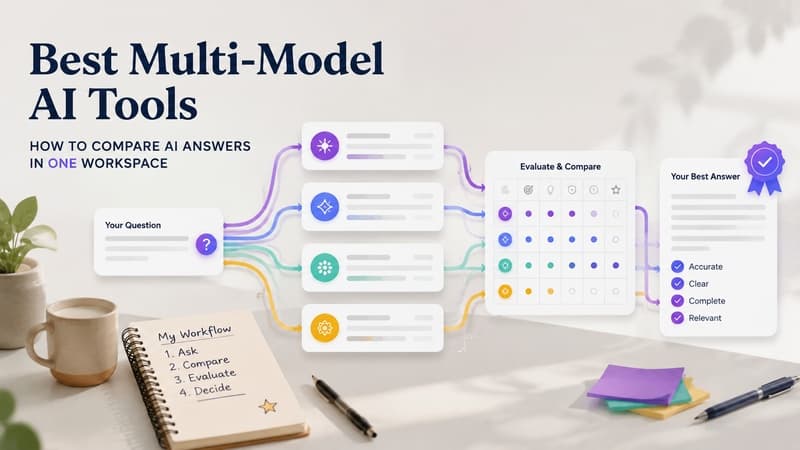
Choosing the best multi-model AI tools is no longer just about collecting more chatbots in one place. For teams that research, write, code, plan, or evaluate AI output every day, the real question is whether a tool helps them compare answers, preserve context, switch models deliberately, and turn several AI responses into a decision they can trust.
A single model may be enough for a quick rewrite or a simple explanation. But when the task affects customer messaging, product direction, technical decisions, or published content, relying on one answer can hide important differences. Different models often frame the same request in different ways, expose different assumptions, and miss different details. Multi-model tools are useful because they make those differences visible.
This guide compares the main categories of multi-model AI tools, explains what to look for, and shows where Meshub.ai fits when your goal is side-by-side evaluation rather than casual chatbot switching.
Best multi-model AI tools: what the category actually means
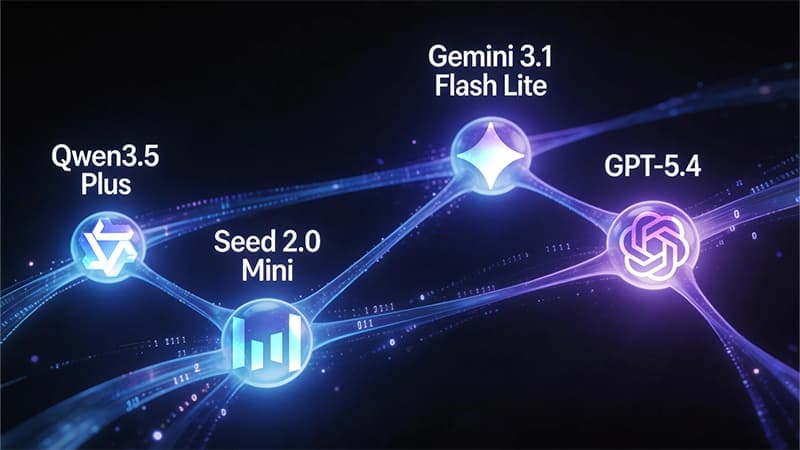
A multi-model AI tool gives users access to more than one AI model or assistant inside a shared workspace. Some tools focus on fast switching between models. Others focus on comparing outputs side by side. A few go further by helping users organize prompts, review answers, and build repeatable workflows around model choice.
The best multi-model AI tools usually support three jobs: discovery, comparison, and execution. Discovery means finding which model may fit a task. Comparison means testing the same prompt across models and reviewing the differences. Execution means using the chosen answer inside a research, writing, coding, or planning workflow without losing the context that led to the choice.
That distinction matters because a long list of available models does not automatically create a better workflow. A useful tool should reduce friction, not simply add more tabs.
Comparison table: multi-model tool types
| Tool type | Best for | Strength | Watch out for |
|---|---|---|---|
| Side-by-side comparison workspace | Testing one prompt across several models | Makes answer differences easy to inspect | Needs clear criteria to avoid over-reading small differences |
| Model router or API gateway | Developers choosing models for apps | Broad model access and technical flexibility | May be less friendly for nontechnical content workflows |
| All-in-one AI chat hub | Everyday model switching | Convenient access to multiple assistants | Can become a collection of chats without a comparison method |
| Search-first answer tool | Research questions that need external evidence | Can help surface sources and discovery paths | May not replace deeper drafting or model comparison |
| Team AI workspace | Shared prompts, review routines, and repeatable decisions | Supports collaboration and process memory | Requires workflow discipline from the team |
How to evaluate the best multi-model AI tools
1. Side-by-side comparison quality
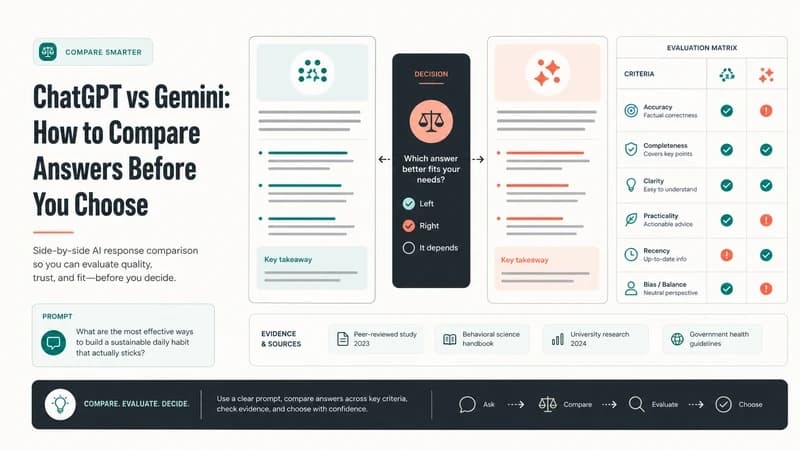
The core feature to check is whether the tool lets you send one prompt to multiple models and compare the answers in a structured way. A side-by-side layout is especially useful when you need to compare reasoning style, completeness, tone, missing assumptions, and practical next steps. If comparison requires copying answers between tabs, the workflow quickly becomes unreliable.
2. Prompt reuse and prompt testing
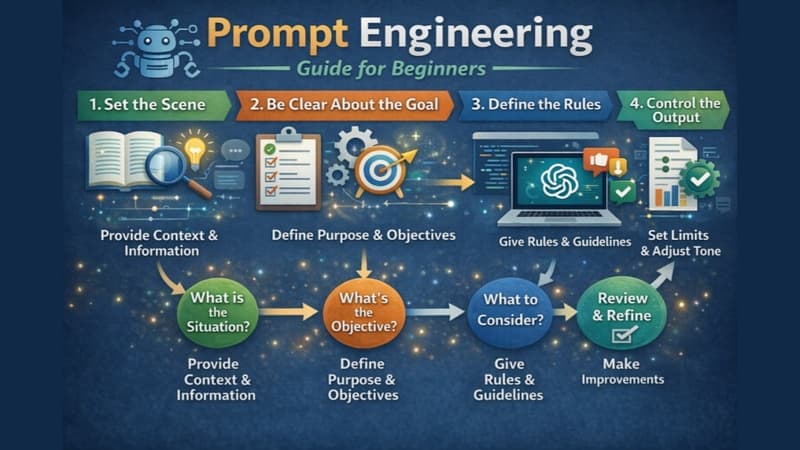
Good multi-model work depends on repeatability. You should be able to reuse prompts, adjust them deliberately, and compare revised outputs without losing the original test. This is the same logic behind prompt testing workflows; the tool should make iteration visible instead of burying it in disconnected conversations. For a deeper workflow example, see Meshub.ai's guide to an AI writing workflow.
3. Model switching without context loss
Some tools let you jump between models but do not preserve enough context to explain why one answer was better. The stronger pattern is to keep the original task, competing responses, review notes, and final decision together. That helps users learn which model fits which job over time.
4. Answer reliability checks
Multi-model comparison is not the same as truth. If three models agree, the answer may still be incomplete or wrong. A useful tool should make it easy to flag uncertain claims, ask follow-up questions, and compare whether different models cite the same assumptions. Meshub.ai's article on AI answer reliability explains why verification should remain part of the workflow.
5. Fit for the user's real workflow
A founder comparing product copy, a researcher reviewing evidence, and a developer testing coding suggestions need different controls. The best tool is the one that fits the workflow you actually repeat, not the one with the longest feature list.
Where multi-model tools are most useful
Multi-model tools are strongest when the user needs judgment rather than a single answer. For research, they can reveal where models disagree or where one model gives a more careful framing. For writing, they can produce alternative outlines, tones, and examples. For product work, they can help compare positioning angles and user objections. For coding, they can surface several implementation approaches before a developer chooses one to inspect manually.
They are also useful when a user is unsure which model to start with. Instead of guessing, the user can run a compact test prompt across models and evaluate the answers against the same criteria. That habit turns model choice from preference into an evidence-based workflow.
How Meshub.ai Helps
Meshub.ai is designed for people who want to compare AI answers without turning the process into a manual tab-management exercise. It brings multiple AI models into one workspace so users can test prompts, review outputs side by side, and move from comparison to action more deliberately.
For users comparing search-oriented and chat-oriented responses, Meshub.ai can support the same evaluation mindset described in the Perplexity vs ChatGPT comparison: start with the task, compare answer behavior, and decide which response is useful enough to continue. The value is not that one model always wins. The value is that the user can see the tradeoffs before relying on an answer.
That makes Meshub.ai especially helpful for writers, researchers, marketers, operators, and builders who need a repeatable way to compare AI output, not just a place to open another chat.
A practical selection checklist
- Can you send one prompt to multiple models without duplicating work?
- Can you compare responses side by side with enough space to inspect details?
- Can you keep prompt versions, review notes, and final decisions together?
- Does the tool support the categories of work you repeat every week?
- Does it help you verify claims instead of treating model agreement as proof?
- Is the interface calm enough for repeated professional use?
If a tool performs well on these questions, it is more likely to improve output quality. If it only offers model access, it may still be useful, but it may not solve the larger workflow problem.
FAQ
What are the best multi-model AI tools for comparing answers?
The best multi-model AI tools are the ones that let you run the same prompt across several models, compare responses side by side, keep context, and evaluate answers against clear criteria. For many users, comparison quality matters more than the raw number of available models.
Are multi-model AI tools better than using one chatbot?
They can be better for complex work because they expose differences between models. A single chatbot may be faster for simple tasks, but multi-model tools are often more useful when accuracy, framing, and decision quality matter.
Do I need a multi-model tool for writing?
You may not need one for every draft, but it can help when you want multiple angles, stronger outlines, different tones, or a second opinion before publishing. Comparing drafts can also make editing more deliberate.
How should I choose between multi-model AI tools?
Start with your workflow. If you mainly compare answers, prioritize side-by-side review and prompt reuse. If you build apps, prioritize API access and routing. If you work with a team, prioritize shared context, organization, and review habits.
Can model agreement prove an answer is correct?
No. Agreement is a useful signal, but it is not proof. Important claims still need verification, especially when the answer affects public content, customers, product decisions, or technical implementation.